










 Data
Data  AI
AI  Cloud
Cloud  Power Platform
  Modern Work
  Services
 Financial Services
Risk-aware AI and governed data platforms for regulated financial environments.
Who we are, what we believe in, and the team driving Synapx forward.
The industries we serve and the outcomes we deliver across each sector.
Microsoft credentials and the partners we collaborate with to deliver outcomes.
Join a team of Microsoft specialists building the future of data and AI.
Upcoming webinars, XIAD workshops and executive briefings from our team.
Microsoft Solutions Partner · Global Delivery
Synapx is a Data & AI consultancy working with clients worldwide. Senior engineers, not account managers: we find the use cases worth funding, build them on the right tools for the job, and stay until your teams run them without us.
Fully Featured Fabric Partner
One of just 30 partners worldwide, out of 400,000+ Microsoft Partners, holding all 3 Fabric designations
Microsoft MVPs
Recognised by Microsoft
Microsoft Certifications
Across Azure, Fabric & Power Platform
Swipe to explore →
Production-grade data platforms on Microsoft Fabric. Strategy, architecture, migration, and live reporting, delivered end-to-end.
Explore Data SolutionsAI that ships to production. Copilot extensions, document intelligence, knowledge agents, built on Azure OpenAI and grounded in your data.
Explore AI SolutionsAzure infrastructure designed for enterprise reality. Secure-by-default, cost-governed, and built to integrate with what you already run.
Explore Cloud SolutionsBusiness applications in weeks, not months. Power Apps, Power Automate, and Power BI, production-ready and governed.
Explore Power Platform SolutionsMicrosoft 365 configured for how your teams actually work. Intranets, collaboration hubs, and governance that sticks.
Explore Modern Work SolutionsBusiness support, managed services, and Synapx As A Service. We stay with you after go-live with health checks, continuous improvement, and a dedicated team that protects what we built.
Explore ServicesThese are the sectors where our track record runs deepest, not the limits of where we work. The same engineering approach has delivered for retail, manufacturing, non-profits and the public sector.
Risk-aware AI and governed data platforms for regulated financial environments.
Risk-aware AI and governed data platforms for regulated insurance environments.
Operational intelligence and data-driven forecasting for critical infrastructure.
Connected project data, automated compliance, and real-time site visibility.
Client intelligence, engagement automation and knowledge management that scale with the practice.
Don't see your industry above? That list is experience, not a boundary. Synapx learns the language of your field, from compliance frameworks to site operations, and good data and AI delivery travels across sectors.







David, Skanska
Project/Programme Manager

Mike, Mount Anvil
Head of Technology Applications
From the very first conversation, Synapx stood out. They didn't offer a one-size-fits-all solution; they listened, understood our workflows, and constructively challenged our assumptions. Since launch, the difference has been night and day: engagement is up, performance is dramatically better, and our teams now have a single, connected space for learning and communication. I'd recommend Synapx to any organisation looking to get more out of Microsoft technology.
Skanska
Project/Programme Manager
Working with Synapx has been transformative for Mount Anvil. They didn't feel like an external supplier; they became an extension of our team. Their technical expertise in implementing Microsoft Fabric solved our immediate challenges and positioned us for future growth, including AI and machine learning. What truly set Synapx apart was their transparency, commitment, and cost-optimisation through Xscale, making Fabric financially sustainable.
Mount Anvil
Head of Technology Applications
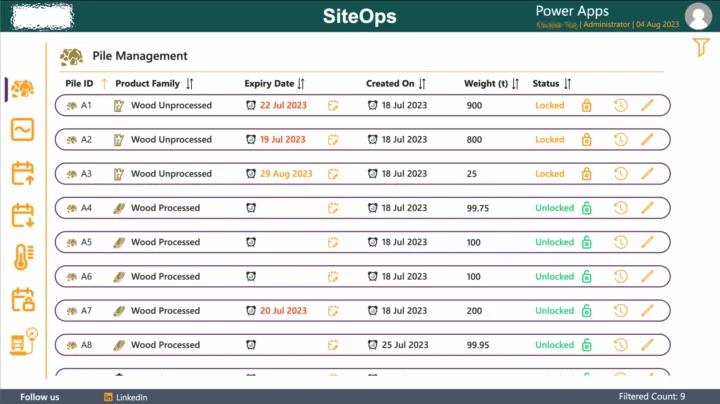
Synapx automated complex, manual processes, modernised legacy systems, and delivered scalable Power Platform solutions that streamline workflows and provide real-time insights. Their standout achievement was integrating SiteOps for accurate, real-time management of materials and compliance across multiple sites. Thanks to their future-proof architecture, we now have a robust digital ecosystem that empowers our teams.
Seras Energy Ltd
Head of Projects & Service Delivery
Exceptional communication. The final product exceeded our expectations.
The tool has streamlined our trade management process, reduced manual workloads and significantly improved efficiency and accuracy across our operations. What truly set Synapx apart was their exceptional communication, project management, and dedication to delivering excellence. They kept us informed at every stage, addressed challenges proactively, and ensured the final product exceeded our expectations.
Nuevo Partners UK LLP
Head of Operations
Their team delivered exactly what we needed, taking time to understand the purpose and specific requirements. By linking our Typeform online surveys with our Raisers Edge database, using Power Automate, they have enabled us to automate our incoming data processes. From our initial enquiry, scoping and delivery, we found them incredibly responsive and very good to communicate with.
The Ocean Conservation Trust
Head of Fundraising
Our go-to data partner. We recommend them to every one of our clients.
We work with Synapx as our go-to and trusted partner for anything Power BI, or data in general, so much so we recommend them to all our clients! The team at Synapx work with us in a way that makes it feel like they are part of our business, our 'data team'; projects and on-going support are executed easily and effortlessly.
Lanware
Chief Technology Officer
Most organisations aren't lacking technology, they're struggling with how it all fits together.
Critical business data lives in Excel files circulated by email. No single source of truth, no live visibility, no audit trail. Risk baked into every morning's inbox.
Finance, operations, HR, and Sales each run on separate tools with no shared data. Your teams spend hours each week manually bridging gaps that shouldn't exist.
Approval chains, data re-entry, report assembly, status chasing. Your most capable people are spending time on work that well-designed automation should handle completely.
Decisions are made on last month's data. By the time a report is assembled and distributed, the window to act has passed. Leaders fly blind between reporting cycles.
Most organisations already licence Microsoft 365, Dynamics, and Azure. The tools to solve these problems already exist inside your tenant. They're just not connected or configured.
Sound familiar? You're not alone and it's more fixable than you think.
Book a Discovery CallPurpose-built Microsoft-native products that extend and enhance your existing technology stack.
Every engagement is a partnership. We work inside your organisation, not around it.
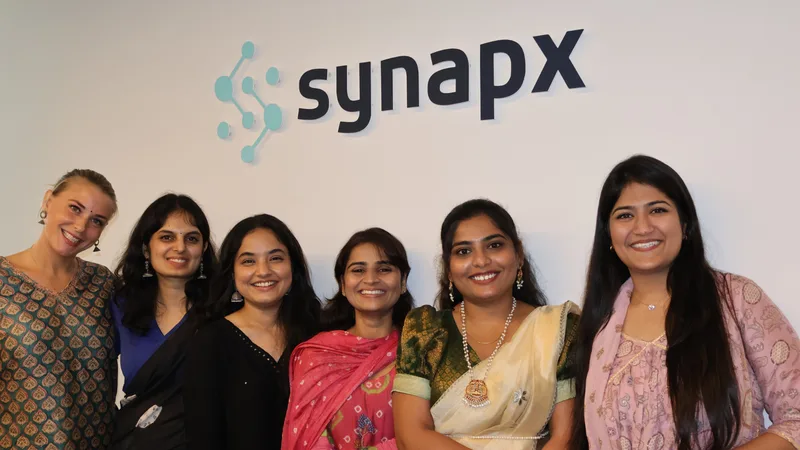
Our people sit alongside yours. We learn your business, challenge assumptions constructively, and design solutions that your teams can actually own.

We start with discovery, mapping your processes, constraints, and goals. Every solution is shaped to fit your organisation, not a template.
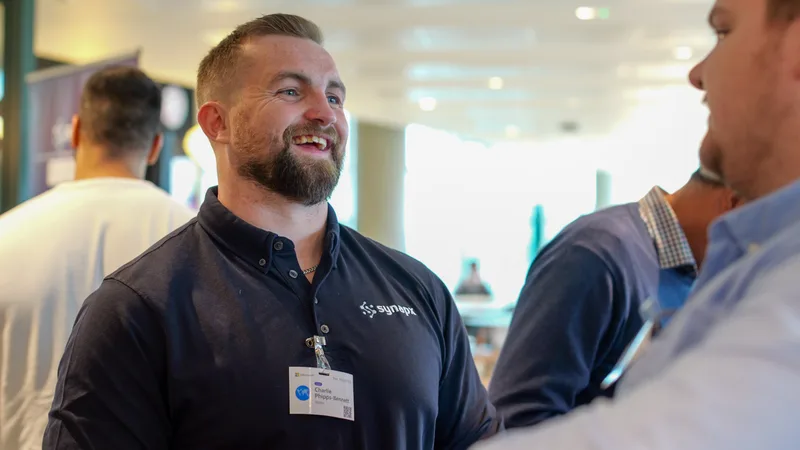
Data and AI don't need to be opaque. We translate technical complexity into clear decisions so stakeholders stay informed and confident.
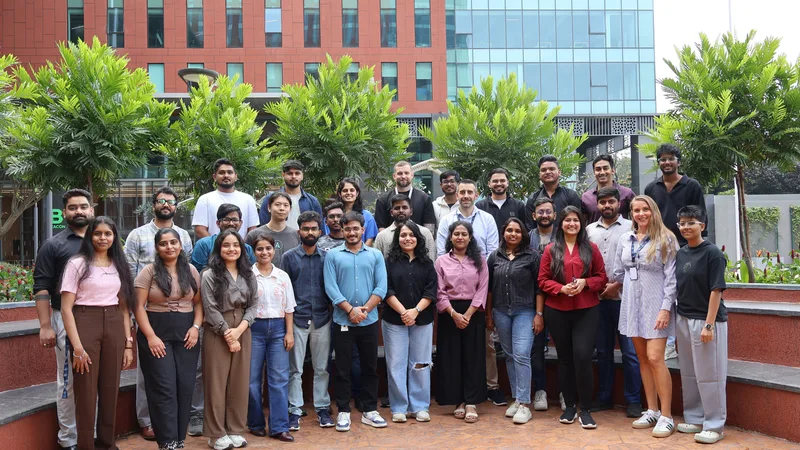
We design for what comes next: scalable architecture, clean documentation, and proper handover so your team can maintain and extend what we build.
A hands-on day building an intelligent application on Azure SQL, connecting your data to AI capabilities such as natural-language search and chat.
A practical day automating everyday business processes with Power Automate, from approval flows to document handling and system integration.
A guided day in Microsoft Fabric, taking raw data through to interactive Power BI reports using the analyst tools end to end.
Practical guidance on Microsoft Fabric, AI, Power Platform and modern data platforms from our engineers.
Discover how Power Automate AI agent authoring and self-healing flows can improve enterprise automation. Learn the business value, key use cases, and how to…
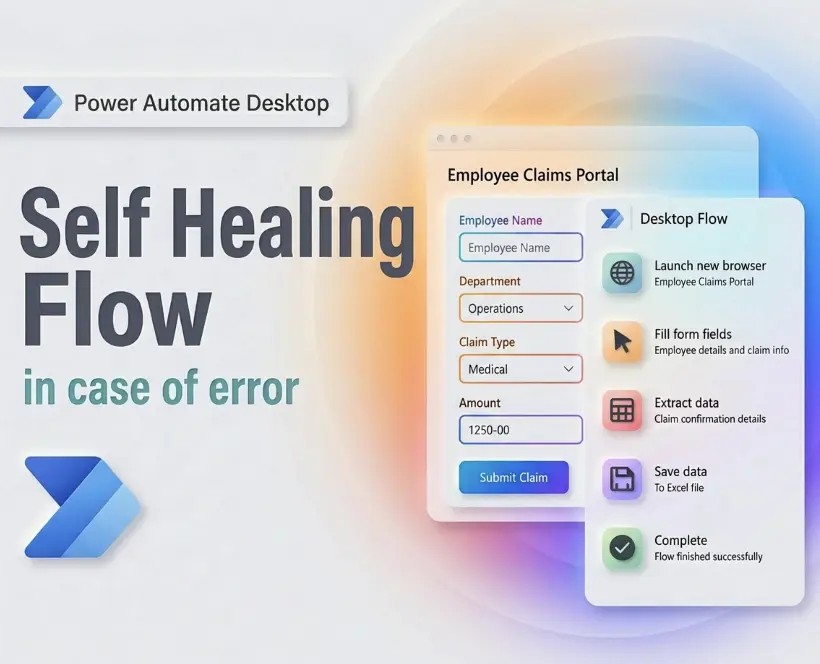 Power Automate
 Manual data extraction slows reporting, creates inefficiencies, and limits visibility across systems. Learn where the hidden costs appear and how automation…
 Insights
 Explore digital transformation in banking, from customer experience and core banking modernisation to AI, data governance, compliance, and fraud prevention.
 AI
AI