M365 Copilot Adoption & Copilot Studio Agents

Microsoft Copilot Studio & Agentic AI Consultancy

Most organisations buy Copilot twice: M365 Copilot licences for the workforce and Copilot Studio for building agents. We make both pay their way, with rollouts that stick and agents grounded in your data, governed inside your Microsoft 365 tenant.

Two offers, one licence family

What does Microsoft Copilot actually cover?

Microsoft Copilot is really two products wearing one badge. Microsoft 365 Copilot is the assistant inside Word, Excel, Teams and Outlook that every employee can use from day one. Copilot Studio is the low-code platform for building your own agents: assistants that answer questions, complete workflows and hand off to humans, governed inside your Microsoft 365 boundary. Getting value from Copilot means treating them as two deliberate workstreams, not one licence purchase.

M365 Copilot fails quietly when it arrives as a licence drop. Usage spikes in week one, flattens by week three, and nobody can say what changed. Our adoption work starts before the licences land: permission and oversharing remediation so Copilot cannot surface what it should not, data hygiene so answers are worth trusting, then role-based enablement and usage analytics so momentum survives the novelty.

On the Copilot Studio side, our agents are grounded, not improvised. We connect agents to your SharePoint, Dataverse and Azure data with citations users can check, wire actions through Power Automate and custom connectors so agents actually do things, and design escalation to humans wherever an action carries consequence.

One honest boundary before we go further. Copilot Studio excels at well-bounded agents over Microsoft data. When a workflow needs deep multi-step reasoning, custom orchestration or full engineering control, that work belongs with our AI agents and multi-agent systems practice. And if you are here because your engineers want AI writing the software itself, that is agentic development. Distinct offers, one team, and we will point you at the right one in the first conversation.

We are also an accredited Microsoft delivery partner for Agent in a Day and Chat with Your Data in a Day, the official workshops that put working agents in your teams' hands in a single session. Plenty of our production agents started life as a workshop prototype that refused to be ignored.

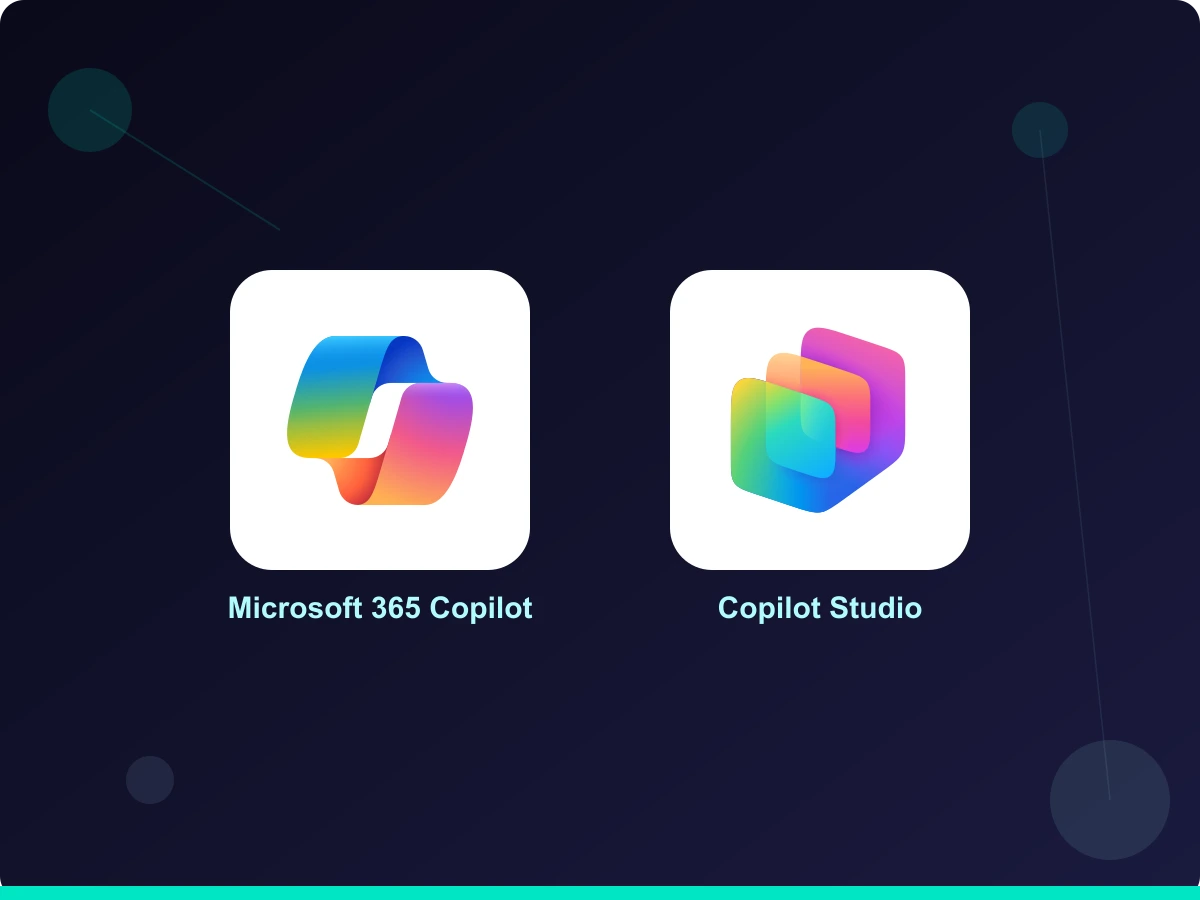
Microsoft 365 Copilot and Copilot Studio

Accredited across Microsoft 365 Copilot and Copilot Studio

Business Applications Specialist
Data & AI on Azure
Data & AI on Azure
Agent in a Day
Agent in a Day
Chat with Data in a Day
What We Deliver

Microsoft Copilot capabilities we deliver

M365 Copilot Readiness and Rollout

Get the tenant ready before the licences arrive, so Copilot answers from data you trust and never surfaces what it should not.

  • Oversharing and permission remediation with Microsoft Purview
  • Sensitivity labels and DLP aligned to Copilot access
  • Licence sequencing by role and expected value
  • Pilot cohorts with a measured baseline and follow-up

Copilot Adoption and Enablement

Role-based Copilot training beyond IT: prompts that work, data habits that keep answers accurate, and a champions network so usage grows after the launch comms stop.

  • Role-based training for finance, sales, operations and HR
  • Usage analytics with intervention when adoption dips
  • Champions programme and prompt libraries per department
  • Executive reporting that ties usage to business outcomes

Custom Copilot Studio Agents Aligned to Business Logic

Develop Copilot Studio agents that understand your organisation's unique business logic, processes and terminology, delivering contextually relevant assistance.

  • Grounded in SharePoint, Dataverse and Azure data with citations
  • Multi-channel deployment: Teams, web, mobile
  • Escalation to humans designed in, not bolted on
  • ALM through solutions so agents deploy like software

Business Automation with Agent Actions

Automate routine tasks with agents that complete real workflows, reduce manual effort and free teams for higher-value work.

  • Actions through Power Automate and custom connectors
  • Approval gates on any consequential action
  • Monitoring and analytics per agent from day one
  • Guardrails: topic boundaries, content moderation, DLP

Copilot Extensibility

Extend M365 Copilot itself with declarative agents, plugins and Graph connectors, so the assistant your people already use can reach line-of-business data and take action in your systems.

By the Numbers

Proven enterprise delivery

0

Connectors available to Copilot Studio agents

0

Client retention across our engagements

0

Microsoft certifications across the team

0

Average time to first live agent

4 wks

From idea to a working Copilot Studio agent

100%

Grounded in your data with auditable citations

0

Agents shipped without escalation paths and monitoring

2

Official Microsoft agent workshops we deliver under accreditation

Common Use Cases

What can Copilot Studio agents do?

First Line Customer Support

Deploy Copilot Studio agents to handle customer enquiries, provide support and streamline service delivery. Agents can automate ticket creation and log unresolved queries for human review.

Employee Onboarding and HR Support

Guide new employees through onboarding, answer HR questions and provide instant support, reducing the strain on human resources teams.

IT Support and Helpdesk

Enhance IT helpdesk services with agents that troubleshoot common technical issues and escalate complex problems, freeing IT staff for more critical work.

Data Retrieval and Reporting

Retrieve and present data on demand for faster decision-making and reporting, particularly useful for sales teams needing quick access to internal data sources.

FAQ and Knowledge Base Access

Offer instant access to FAQs and knowledge bases. Agents answer common queries with citations from your own content, improving service efficiency without inventing answers.

Policy Compliance Guidance

Guide employees through complex regulatory requirements and procedures, particularly useful in regulated industries such as insurance and financial services.

How We Work

Our Copilot delivery process

  1. 01 Step

    Discovery

    We work with you to understand your business and your target personas, identify which departments will benefit most, and decide where M365 Copilot adoption ends and a Copilot Studio agent begins.

  2. 02 Step

    Readiness and Mapping

    We remediate permissions and oversharing, then map the knowledge, data sources and processes each Copilot experience needs to give accurate, citable answers.

  3. 03 Step

    Build and Enablement

    Our team builds your Copilot Studio agents and runs role-based enablement in parallel, so the workforce rollout and the agent programme reinforce each other.

  4. 04 Step

    Integration and Adoption

    We integrate agents with your existing systems and channels, switch on usage analytics, and stay through the adoption curve rather than leaving at go-live.

Build Route

Copilot Studio agent, or pro-code agent?

The most useful thing an agent consultancy can tell you is when not to use its favourite tool. Copilot Studio and pro-code agents solve different weights of problem, and forcing one to do the other's job is the most common way agent projects disappoint.

Copilot Studio agent, or pro-code agent?
Criteria Copilot Studio agent Pro-code agent (Azure OpenAI or Claude)
Best for Well-bounded Q&A and process agents over Microsoft dataComplex multi-step workflows needing judgement and orchestration
Build effort Low-code: weeks, with makers and consultants togetherEngineering: months, with evaluation harnesses and tracing
Data grounding SharePoint, Dataverse and connectors, with citations built inAnything you can reach, with the agent deciding what to fetch
Actions Power Automate flows and custom connectorsArbitrary tools and APIs, with agent-level approval design
Governance Environment strategy, DLP and Copilot Studio controlsFull tracing, evaluation gates and custom guardrails
Cost shape Per-user or per-session licensingToken consumption plus engineering investment

Our rule of thumb: start in Copilot Studio if the use case fits its shape, because you will be live in weeks and the governance comes with the platform. Graduate to a pro-code build when the workflow genuinely demands deep reasoning, custom orchestration or product-grade control. We build both, and our AI agents and multi-agent systems practice will tell you which yours needs before any code is written.

FAQ

Microsoft Copilot FAQs

What is the difference between Microsoft 365 Copilot and Copilot Studio?

Microsoft 365 Copilot is the ready-made assistant inside Word, Excel, Teams and Outlook, licensed per user. Copilot Studio is the low-code platform for building your own agents over your data, with actions and governance. Most organisations get the best results treating them as two workstreams: adoption for the first, agent delivery for the second.

When should we use Copilot Studio vs. building on Azure AI Foundry?

Copilot Studio is our default when you need a conversational agent over documents, data and business actions, especially in Teams or the web. Azure AI Foundry is the right choice when you need a bespoke application, deep UX control, complex orchestration or specialist model deployment. We deliver both and often combine them.

How long does it take to deliver a production agent?

A focused Copilot Studio agent typically takes 4–8 weeks from kick-off to production, including governance and change management. More complex agentic automations that take action in several systems usually run 8–16 weeks.

Do agents integrate with our existing systems?

Yes. Copilot Studio connects natively to Microsoft 365, Dataverse and Power Platform, and we use custom connectors or the Azure AI Foundry SDK to integrate with CRM, ERP, ticketing, line-of-business APIs and legacy systems where needed.

How do we prepare our data for Microsoft 365 Copilot?

Permissions first. Copilot answers from whatever a user can already access, so oversharing in SharePoint and OneDrive becomes visible fast. Our readiness work remediates permissions, applies Purview sensitivity labels and DLP, and cleans up the content Copilot will draw on, before the licences go live.

Do we need Microsoft 365 Copilot licences to use Copilot Studio?

No. Copilot Studio is licensed separately, per message capacity or per user, and agents can be deployed to Teams, websites and other channels without M365 Copilot licences. The two work well together, but neither depends on the other.

Our Clients

Trusted by

Glassmoon
Lanware
Micheldever Tyre Services
Midwich
Mount Anvil
Nuevo Partners
Pro Global
Seras Energy
Skanska
Ocean Conservation Trust
WA Comms
Glassmoon
Lanware
Micheldever Tyre Services
Midwich
Mount Anvil
Nuevo Partners
Pro Global
Seras Energy
Skanska
Ocean Conservation Trust
WA Comms
Client Voices

Hear from our clients

Video Stories

Skanska testimonial video
Skanska

David, Skanska

Project/Programme Manager

Mount Anvil testimonial video
Mount Anvil

Mike, Mount Anvil

Head of Technology Applications

Testimonials

Book a Copilot readiness review

Before you commit to seats, we will check your permissions, data hygiene and adoption plan, and tell you honestly whether you are ready. Building something custom? Ask us about an Agent in a Day workshop instead.

Book a readiness review