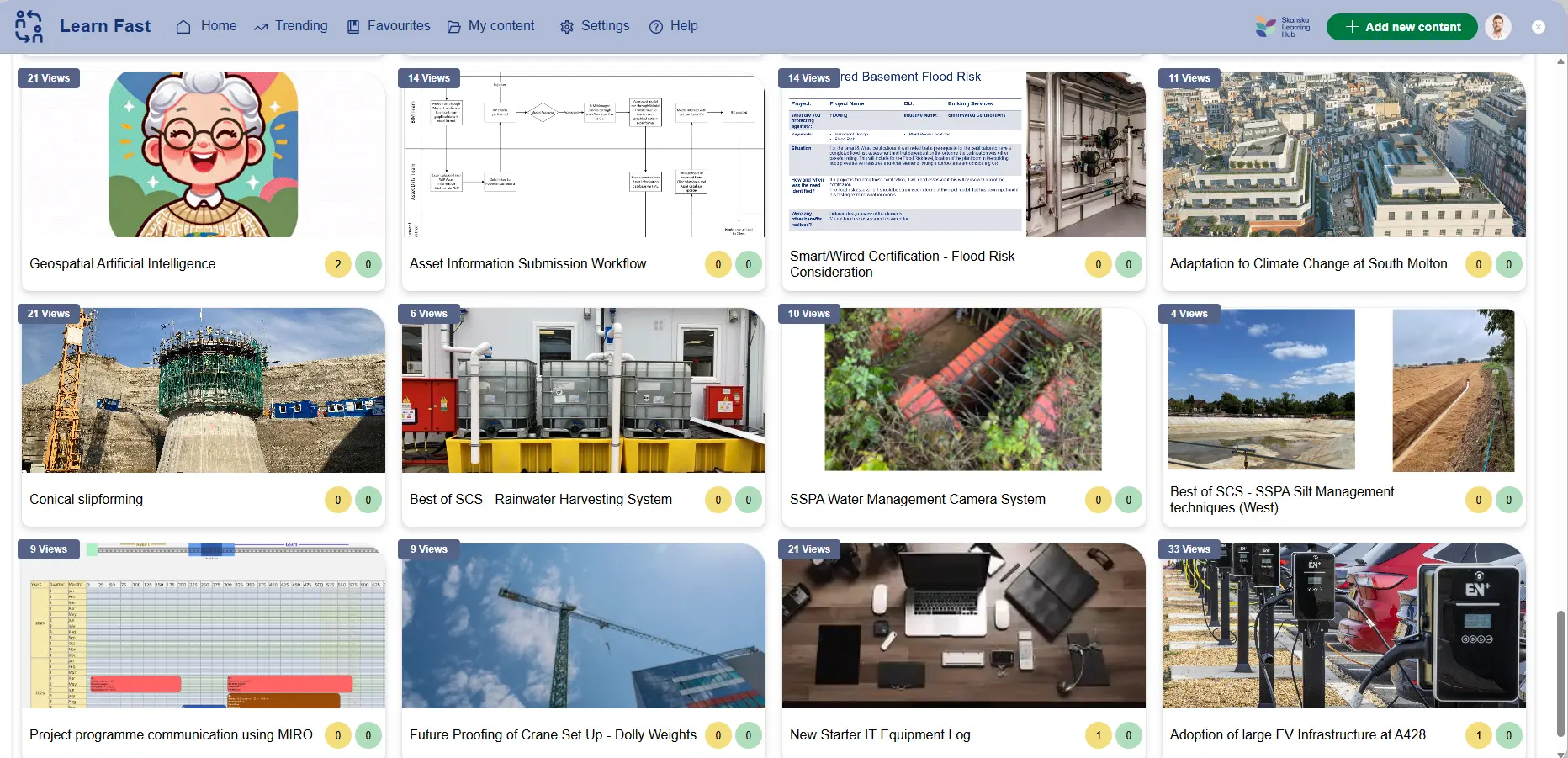
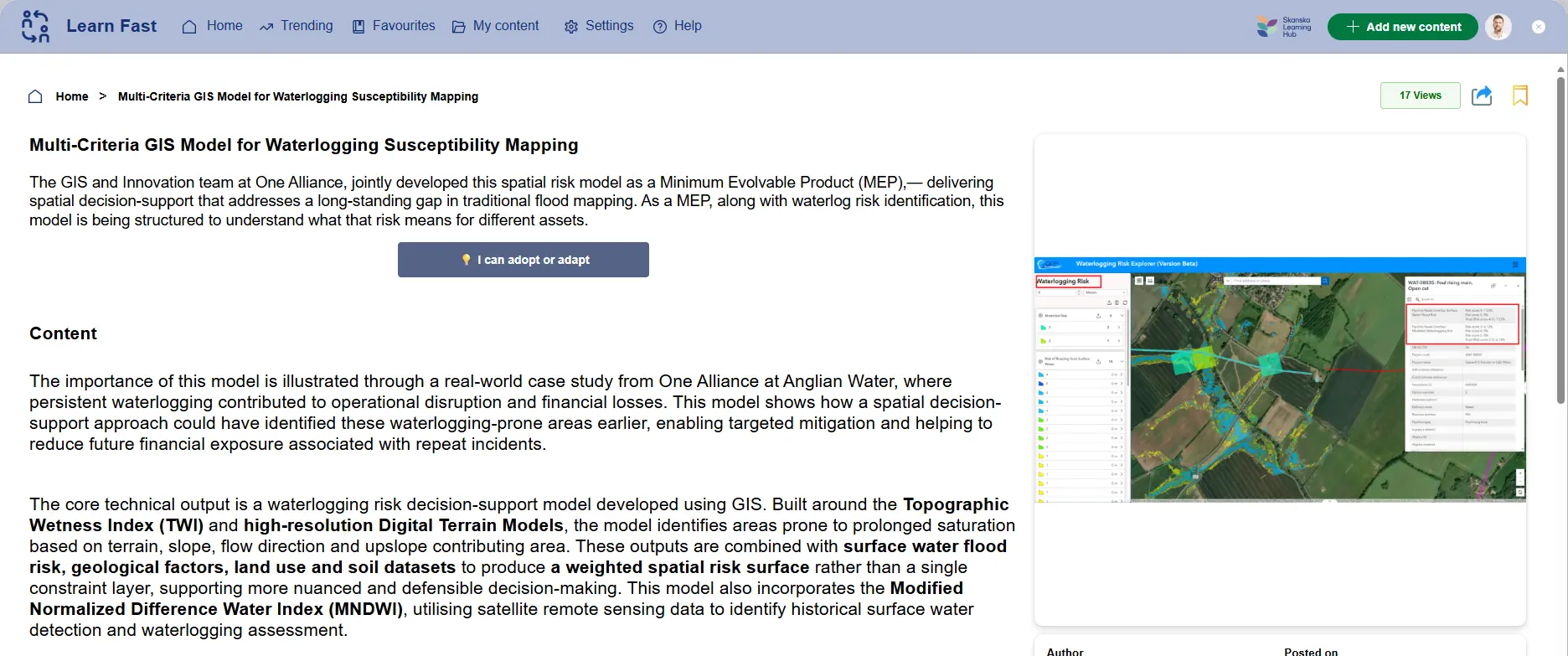
Learn Fast - Share Knowledge, Scale Adoption

The client approached us to create a company-wide learning hub that could capture project insights quickly and make them easy to share, discover, and reuse across the organisation. The goal was to reduce the friction of publishing rich media and turn learnings that typically stay within a single programme into knowledge that other teams can adopt or adapt with confidence. We delivered LearnFast as an enterprise Canvas Power App, enhanced with AI-assisted publishing, Viva Engage integration for conversation continuity, and Power BI reporting to measure engagement and reuse, backed by Azure SQL and custom controls to reliably handle large video uploads at scale.

Case Study

Client

Skanska

Industry

Construction

Country

United Kingdom

3000

UK employees enabled on a single enterprise learning platform.

8

Automated publishing outputs generated from each uploaded video, reducing manual authoring steps, including a transcript, captions, a thumbnail, a suggested title, key takeaways, a blog-style summary, a description, and suggested tags.

3

Environment deployment model supporting enterprise release governance. The solution is managed through solution-based ALM across Development, Test, and Production.

6

Core platform components integrated into one end-to-end experience. Power Apps (Canvas), Power Automate, Power BI, Viva Engage, Azure Cognitive Services, and Azure SQL.

The Challenge
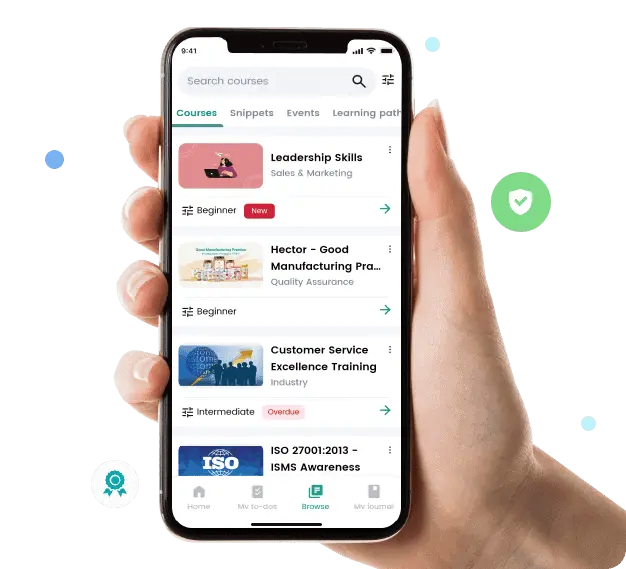
Construction teams learn quickly on live programmes, but those learnings often remain trapped inside the project where they happened. Skanska needed a company‑wide application to surface insights, encourage reuse, and build a community around practical learning, without adding extra admin work for busy site and delivery teams.
The barriers were both behavioural and technical. Creating consistent, high‑quality content takes time, and rich media is hard to publish quickly if authors must manually write summaries, generate captions, and format posts. At the same time, standard Power Apps controls are not designed for large video uploads at enterprise scale, and the solution had to support robust governance, data foundations, and analytics to show what’s being learned, what’s being adopted, and where it’s making a difference

Our Solution

LearnFast was delivered as an enterprise Canvas Power App designed to make capturing and sharing learnings feel effortless. The experience brings together content creation, discovery, conversation, and measurement in a single flow, while using pro‑code extensions where necessary to meet scale and media demands.
The core product is a social learning hub where employees can create posts containing project write‑ups, short videos, photos, links, and attachments, then engage through comments, likes, bookmarks, and lightweight in‑app chat. Discovery is driven through tags and boards designed to work like Pinterest, making it easy for teams to follow topics that matter to them and explore relevant learnings when they need them.
To move beyond passive consumption, LearnFast includes a clear adoption approach. Posts support an “Adopt this learning” checklist and “Adapt for my project” notes, helping teams record how a learning was reused and what context changed when applying it elsewhere.
Enterprise foundations were built in from the start. Authentication and roles leverage Microsoft 365 identities, while an Azure SQL backend supports scalable relational data, reporting needs, and upload throughput. The solution is managed with environment separation across development, testing, and production, alongside auditability and retention rules to match enterprise governance expectations.
To increase contribution rates, the design focused on reducing authoring time. When a user uploads a video, the app automatically generates a transcript and captions for accessibility, creates a thumbnail, suggests a title, drafts key takeaways, and produces a blog‑style summary and description that the author can quickly review and publish. Tag suggestions are also generated to improve findability and reduce the effort required to classify content.
Because rich media is central to practical, repeatable learning on construction programmes, LearnFast extends native Power Apps capabilities with custom controls and server‑side APIs. This approach supports chunked and streamed uploads to secure storage, visible upload progress, resumable transfers, and enforcement points for validation and security hooks. The result is a Power Apps experience that remains simple for end users while meeting enterprise expectations for reliability and performance when handling large files.
LearnFast connects to Viva Engage so posts can automatically create or link to relevant community threads. This allows conversation, Q&A, and endorsements to happen in the collaboration space people already use, while still keeping the original learning post as the source of truth. Users can discover content in Viva Engage and click through to the full post inside LearnFast. It was designed to support behaviour change, not just content storage. Skanska’s champions and moderators were supported with micro‑workshops and starter boards across functions, backed by content guidelines and recognition rituals. Gamification features such as badges, streaks, and progress nudges encourage repeat contribution, while reuse signals help recognise not only creators but also teams that successfully adopt learnings across projects.
A Power BI suite provides ongoing visibility into platform health and organisational learning patterns. Reporting covers engagement signals such as active usage and interactions, tracks adopt/adapt activity to show how learnings move across projects, and surfaces creator health metrics like time‑to‑publish and usage of AI assistance. Community trends such as tag popularity and “trending learnings” help leaders and moderators understand what content resonates and where knowledge is spreading.

The Result

LearnFast is live as a single enterprise application supporting approximately 9,000 employees, giving Skanska a consistent place to share learnings, discover relevant practices, and record how insights are adopted or adapted across programmes.
By automating the heavy lifting of publishing, transcription, captions, thumbnails, summaries, descriptions, and tag suggestions, the platform makes it faster for teams to turn raw video into reusable knowledge, helping contributions happen while the learning is still timely.
Custom upload controls ensure the experience remains dependable for large media files, while Viva Engage integration keeps conversation connected to content without fragmenting the user journey. Power BI provides a measurable view of engagement and reuse, enabling leadership to understand how learning travels through the organisation and where it is being applied.

“When we started discussing replacing LearnFast, we knew it was outdated, but we didn’t realise how much it was slowing us down. The old platform was disconnected from the Microsoft tools we use every day, creating frustration and wasted effort. From the very first conversation, Synapx stood out. They didn’t offer a one-size-fits-all solution; they listened, understood our workflows, and constructively challenged our assumptions. Their deep knowledge of the Microsoft ecosystem, with Power Apps, Power Automate, and integration, was evident. They knew exactly how to make the platform feel like a natural extension of how we work, which made adoption easy. The transition was smooth, and Synapx was proactive and responsive throughout. Since launch, the difference has been night and day: engagement is up, performance is dramatically better, and our teams now have a single, connected space for learning and communication. Beyond technology, it’s the relationship that stands out. Synapx delivered everything they promised and more. They genuinely care about outcomes and long-term value, not just project completion. I’d recommend Synapx to any organisation looking to get more out of Microsoft technology. They build trust, momentum, and platforms ready for the future.”

David Burton

Project/Programme Manager

Other Case Studies

At Synapx, we’re proud to show how our solutions have transformed the way our clients work and operate. Below you can see our latest client project.

Learn Fast - Share Knowledge, Scale Adoption
Skanska

The client approached us to create a company-wide learning hub that could capture project insights quickly and make them easy to share, discover, and reuse across the organisation. The goal was to reduce the friction of publishing rich...
View Case Study

Centralised Subscriber Data Integration with Power Automate

The Ocean Conservation Trust

The client approached Synapx for support with the Power Platform through a time-and-materials engagement. The project focused on centralising subscriber data management and streamlining processes. This involved integrating three distinct mailing list forms into a unified database to enable efficient...

View Case Study

Migrating Power BI to Fabric Lakehouse with Medallion Architecture

Mount Anvil

The client approached us to automate their material transfer processes between internal and external sites. The project aimed to centralise operations and improve efficiency by replacing their manual methods with an automated system for real-time tracking. We delivered the solution...

View Case Study

Power BI Reporting & Power Apps AVC Calculator

Eclipse Power

The client approached Synapx to provide Power Platform support under a time-and-materials engagement. The project aimed to enhance data analytics and streamline business processes through Power BI implementation and creation of an AV Calculator from Excel to Power Apps,...

View Case Study

Power Platform Center of Excellence Implementation - Power BI

Fidelis

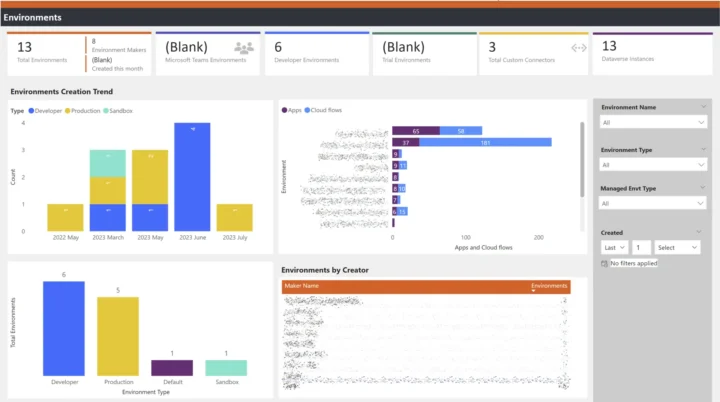
The client approached us in order to implement a reporting system to provide oversight on the implementation of power-platform within their organisation.
View Case Study

Material Management Application with Business Central Automation - Power Apps with Power Automate

Seras

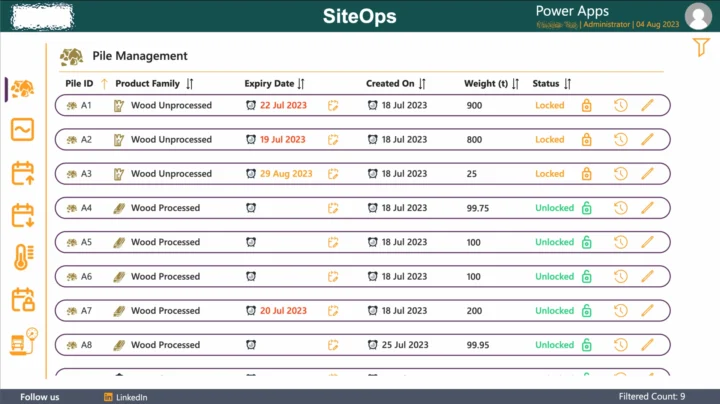
The client approached us needing a system to automate their processes for managing the transfer of different materials held in piles between their internal and external sites.
View Case Study

Policies and Procedures - Power Apps with SharePoint Documents Library

LCP

The client wanted an application to effectively manage their companies policies and procedures from within a SharePoint documents library.

View Case Study
Automatic uploading and categorising of policies and procedures to SharePoint

Personnel Directory - Power Apps

LCP

The client wanted a directory within their SharePoint site to display all their staff members, and provided key contact details such as their phone number and email address.

View Case Study

Leave Calendar - Power Automate and Power Apps

LCP

The client wanted information from their third-party leave calendar tool (Timetastic) embedded within their SharePoint site.

View Case Study
Leave Calendar using Power Automate to send and approve requests
View All Case Studies

Book A Free Discovery Session

Schedule a FREE call with our power platform specialists.

Book a Discovery Session