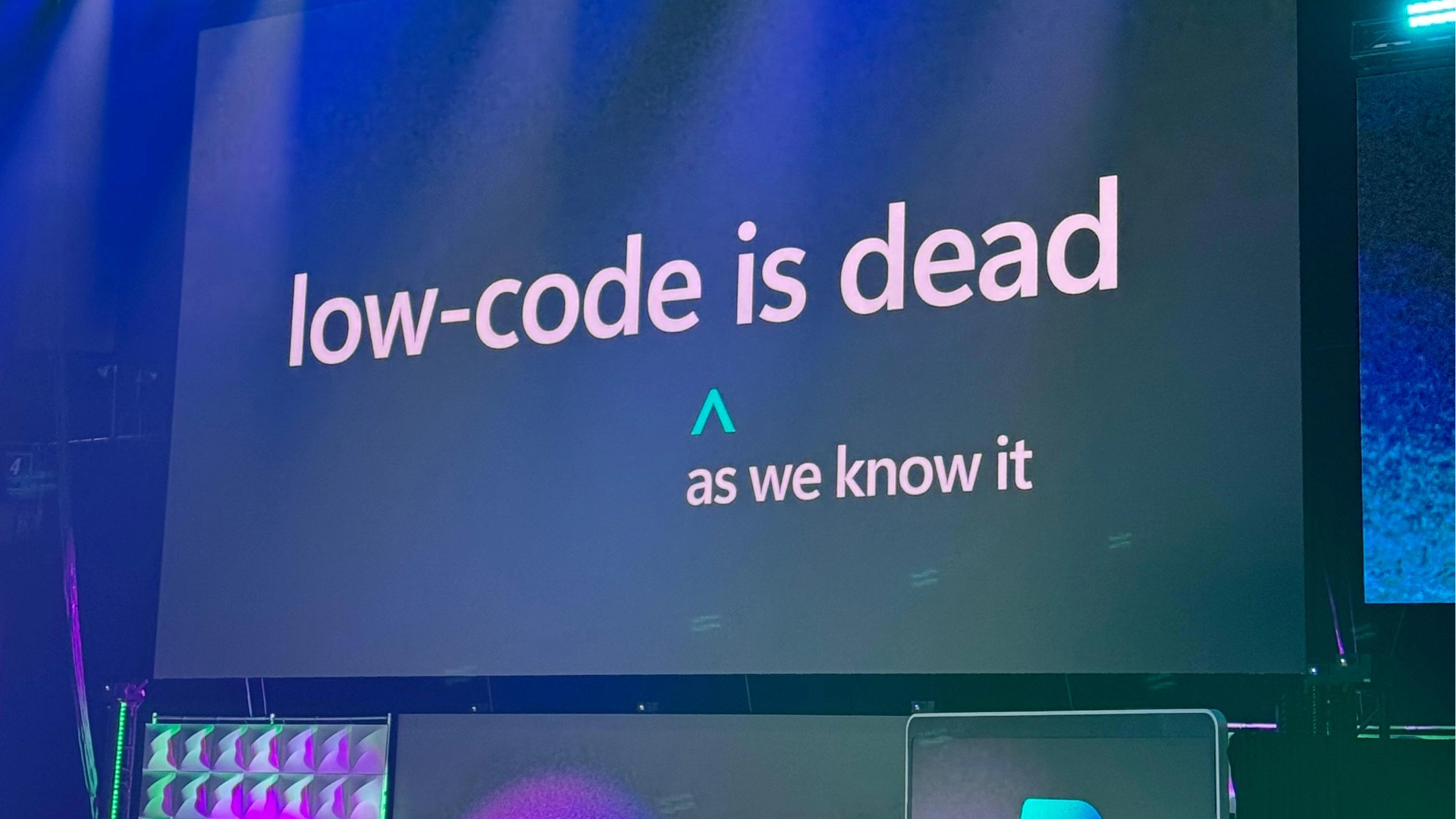

In September 2025, Charles Lamanna – Microsoft’s Corporate Vice President for Business Applications and Platforms, stood on stage at the Power Platform Community Conference in Las Vegas and told the development community something they did not expect:
“Low code as we know it is dead.”
The room went quiet. Then the takes started. Some heard the death knell for Power Apps and Power Automate. Others heard validation for pure AI code generation. Most of the hot takes missed what Lamanna was actually describing.
This is what he meant, and what it means for the way your organisation builds software in 2026.

What He Was Not Saying
Lamanna was not announcing that Power Apps is shutting down. He was not saying that AI will replace developers or that organisations should stop investing in low-code platforms.
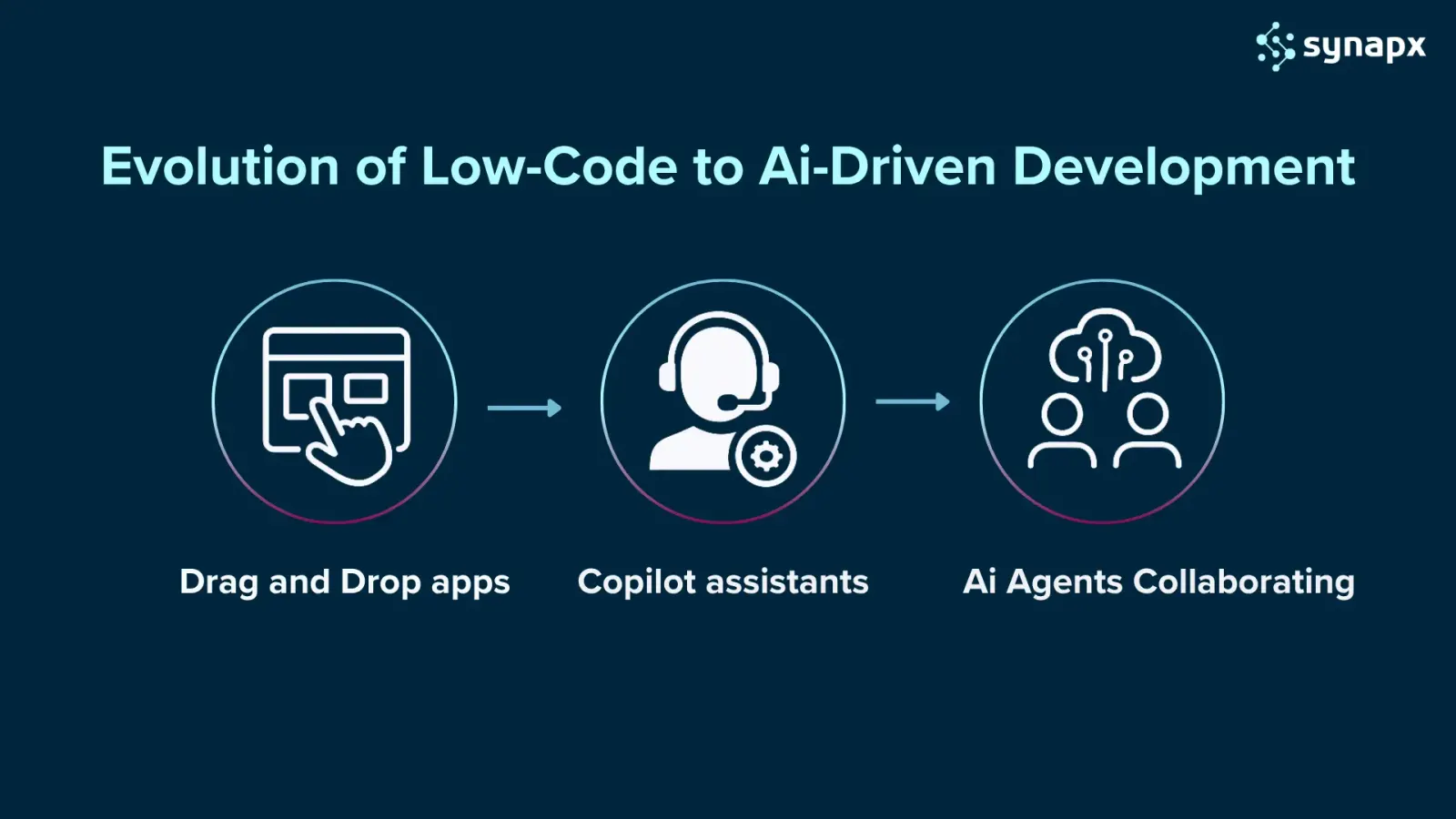
He was describing a transformation, not a replacement. The visual drag-and-drop development of 2020 is being superseded by something fundamentally more capable. The question is whether your organisation understands what has changed.
The Problem With Classic Low-Code
Low-code development delivered on its core promise: faster development, lower barrier to entry, applications that business people could build and maintain without deep technical expertise. What it could not solve was complexity at scale.
Maintaining complex visual workflows became painful. Customisation hit platform boundaries. The promise of citizen development frequently required specialists for anything sophisticated. And the learning curve, while lower than traditional coding, was still a real obstacle for most business users.
The result: low-code platforms democratised software creation for simple applications but stopped short of the more ambitious goal of making software development genuinely accessible to everyone.

The Problem With Pure AI Code Generation
Meanwhile, tools that generate entire applications from natural language prompts arrived and generated enormous excitement. Describe what you want. AI builds it. Ship it.
The enterprise reality was messier. AI-generated code quality is variable. Security vulnerabilities slip through. Without governance frameworks, outputs are inconsistent. And the most significant problem: raw AI-generated applications are fast to create and structurally difficult to maintain, govern, and scale.
‘AI wrote it and I’m not sure what it does’ is not an acceptable answer when the application handles customer data, financial processes, or compliance-sensitive workflows.
What Convergence Actually Looks Like
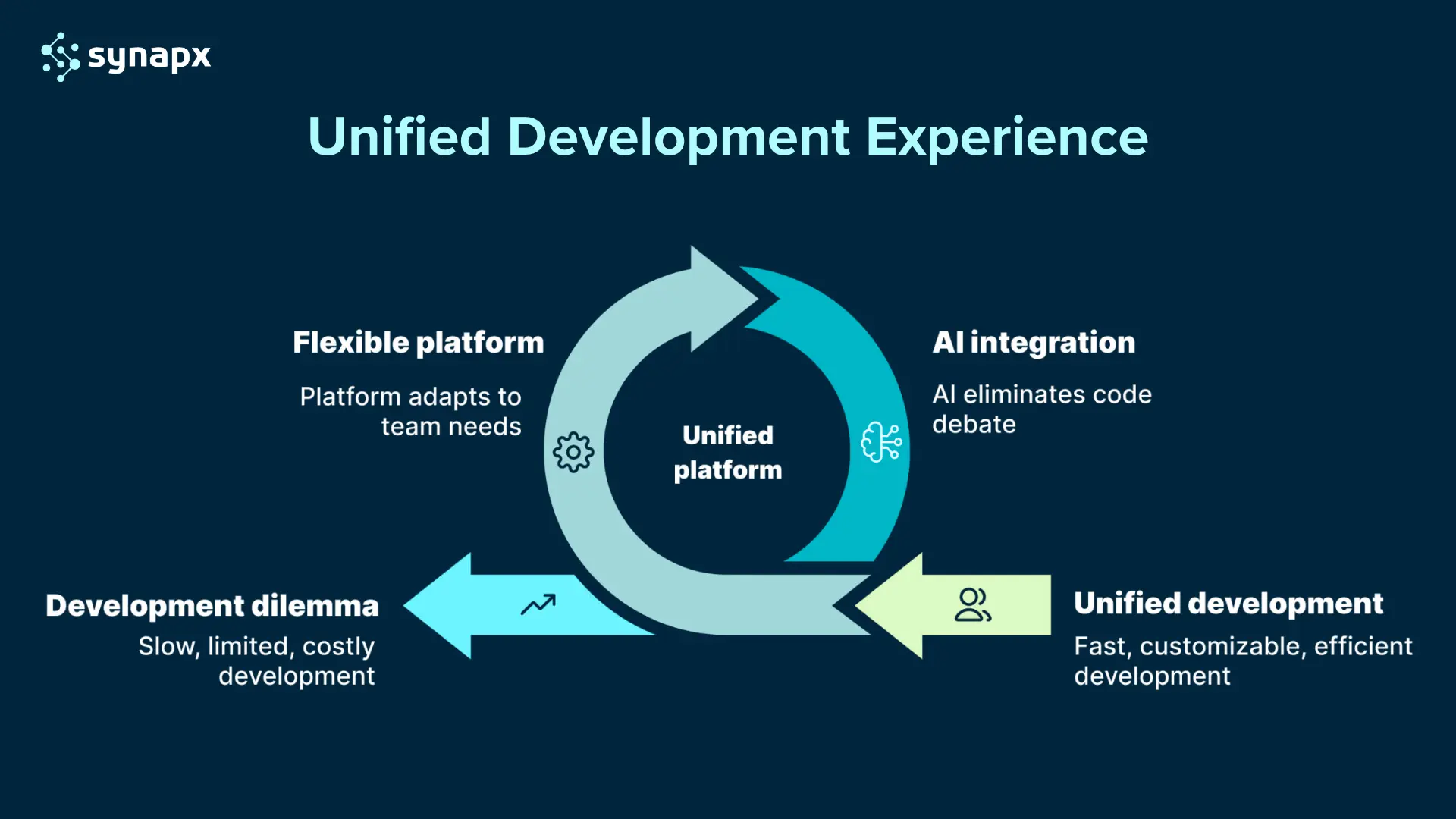
What Lamanna was announcing is what the best development teams had already been experiencing: AI and low code are not competing; they are merging into something more powerful than either approach alone.
In the new model:
- AI generates the initial implementation from natural language, data model, UI, integration logic, and workflow
- Low-code platforms provide the visual structure, governance framework, and maintainable architecture that makes enterprise deployment viable
- Human developers and business users refine, extend, and govern the result
- AI continues assisting throughout – debugging, optimising, generating test cases, monitoring in production
The result is not ‘AI replaced low code.’ It is ‘AI became the interface to low code.’ The visual platform is still there, providing the governance, security, and transparency that enterprises require. AI dramatically lowered the barrier to using it effectively.

What Low-Code Was Supposed to Be
Low-code development promised to democratise software creation. Instead of writing thousands of lines of code, users could drag and drop components, configure pre-built elements, and wire together integrations through visual interfaces. The pitch was compelling: faster development, lower costs, and the ability for “citizen developers” to build business applications without deep technical expertise.
These platforms successfully lowered the barrier to entry for software creation, allowing business users to translate their domain knowledge into functional applications without waiting for IT departments or learning complex programming languages.
It worked to a point.
Organisations built workflow automation, internal tools, and departmental apps faster than traditional coding allowed. But limitations emerged, maintaining complex visual workflows became difficult, customisation hit platform boundaries, and the promised accessibility still required dedicated specialists for anything sophisticated.
The AI Transformation That Changed Everything
Rather than AI replacing visual development tools, platforms are incorporating AI capabilities while maintaining their core visual, governable nature that makes them sustainable for enterprise development.
This creates a new development model where:
Multiple AI Agents Work in Parallel
While one agent designs your database schema, another generates the UI, a third writes integration logic, and a fourth creates test cases, all simultaneously. What once took weeks now happens in hours.
Use Cases Transforming Industries
Enterprise Application Development
A manufacturing company needed a supply chain management system connecting their ERP, inventory systems, and vendor portals. Using an AI-enhanced low-code approach:
- One agent analysed their existing data structures
- Another generated API connectors for each system
- A third built the dashboard interface
- A fourth created automated alerts and workflows
- A fifth handled security and access controls
Result: What historically would have required a 12-month implementation was delivered in 6 weeks, with 70% less custom coding required. The visual representation in the low-code platform meant the operations team could understand and modify workflows without returning to developers.
Legacy System Modernisation
A healthcare provider had a 20-year-old patient records system that needed modernising. AI agents worked within a low-code modernisation platform to:
- Analyse the legacy codebase and database structure
- Identify dependencies and business logic
- Rebuild services as cloud-native microservices
- Migrate and validate data integrity
- Ensure HIPAA compliance throughout
The modernisation that previously seemed impossible without a multi-year, multi-million-pound project was completed in four months. The low-code visual interface allowed clinical staff to verify that workflows matched their actual processes, catching issues that pure code migration would have missed.
Automated Testing and Quality Assurance
A retail company deploying seasonal promotions uses AI agents within their low-code platform to autonomously generate test scenarios, simulate thousands of concurrent users, identify performance bottlenecks, and validate checkout workflows across devices.
Testing cycles that previously took two weeks were reduced to hours. The visual test flow diagrams helped non-technical stakeholders understand exactly what was being tested and why, building confidence in release quality.
How the Developer’s Role Is Evolving?
There’s an elephant in the room: what happens to developers when AI can generate applications?
The answer isn’t what many fear. Developers aren’t being replaced; they’re being elevated into more strategic roles. With each new abstraction layer, we’ve substantially expanded who’s building software and how much software they’re building, rather than eliminating developers.
The role is shifting from hands-on coder to AI conductor and system architect. Developers now:
- Define high-level requirements and system architecture
- Guide AI agents with precise prompts and constraints
- Evaluate and refine AI-generated outputs
- Make critical decisions about performance, security, and scalability
- Focus on creative problem-solving and innovation
- Understand both the visual representations and underlying code
The Junior Developer Challenge
Junior developers face perhaps the biggest adjustment. The entry-level tasks that once built foundational skills, writing CRUD operations, building basic UIs, and configuring simple integrations, are now automated. The path to expertise must adapt, emphasising system thinking, prompt engineering, architectural design, and the ability to evaluate AI outputs earlier in careers.
However, this also creates new opportunities. The democratisation has opened new possibilities, with citizen developers building websites, automating workflows, and launching solutions using these hybrid tools. Junior developers who learn to orchestrate AI effectively can achieve impact far beyond what was previously possible at their experience level.
Microsoft 365 Copilot: The Convergence in Action
The App Builder agent is a new capability within Microsoft 365 Copilot that allows users to create fully functional business applications using natural language prompts, no coding required. It’s designed to democratise app creation, making it accessible to anyone in an organisation, not just developers. You simply describe what you need, for example, “I want a dashboard to track campaign milestones”, and App Builder generates the app, complete with a user interface, data schema, and security model.

AI Outputs Require Validation
AI hallucinations and errors remain real concerns. Generated code needs validation. Security vulnerabilities can slip through. Enterprise governance at scale remains a challenge, requiring sophisticated capabilities for managing AI-generated applications including automated policies, deployment pipelines, security controls, and monitoring systems.
Organisations need governance frameworks to review AI-generated solutions before production deployment. This is where the low-code component shines, the visual representation makes review and validation far easier than examining raw code alone.
The Learning Curve Is Steeper Than Expected
Writing good prompts, understanding how to guide AI agents effectively, and knowing when to override AI decisions requires new skills that take time to develop. Teams must learn to work with both natural language interfaces and visual development environments.
Additionally, citizen developers may lack the IT security expertise to safeguard the data they handle, and privacy and security concerns related to AI technology must be addressed. Training programmes need to cover not just how to use the tools, but how to do so responsibly and securely.
Integration Complexity Persists
Integration with existing systems can still be complex, especially with legacy platforms that lack modern APIs or documentation. While AI can help generate connector logic and low-code platforms provide visual integration tools, connecting to proprietary or poorly documented systems remains challenging.
Cost Considerations Are More Complex
While AI-driven development reduces labour costs, the compute resources and licensing for enterprise AI platforms represent new expenses. Low-code platform subscriptions, AI service costs, and infrastructure requirements need careful evaluation. The total cost of ownership includes training, governance overhead, and platform management.
These challenges aren’t reasons to avoid this evolution; they’re factors to plan for during adoption.
| Traditional Low-Code | The New Era |
| Drag & drop UI builders, formula logic, connectors | Natural language prompts, AI agents, intent-driven workflows |
| Business user or citizen-developer builds simple apps | Hybrid teams (business + dev + AI orchestration) build scalable, enterprise-grade systems |
| Visual toolsets, often with limited customisation | Full code-generation or AI-augmented code foundations (e.g., React in Power Platform) |
| Longer development loops for more complex logic | Rapid prototyping with AI, freeing developers for complex tasks |
| Low-code = “simplified dev” | Low-code becomes “AI-augmented dev” — the baseline shifts |
Getting Started: A Practical Roadmap
If you’re ready to explore AI-enhanced development, here’s a pragmatic approach:
Start with Internal, Low-Risk Projects
Begin with internal applications where you can learn and iterate without customer impact. Build a time-tracking tool, an approval workflow, or a reporting dashboard. These projects let teams practice prompt engineering, understand AI limitations, and develop governance processes without high stakes.
Choose Platforms with AI-Low-Code Integration
Evaluate options that integrate both capabilities rather than treating them separately:
- Microsoft Power Platform with Copilot: Strong enterprise governance, familiar Microsoft ecosystem, robust AI features
- OutSystems with AI Mentor: Comprehensive low-code capabilities with embedded AI assistance throughout the development lifecycle
- Appian with AI Skills: Process automation focus with AI-powered components
- Salesforce with Einstein: CRM-focused development with AI integration
Look for platforms that provide visual representations of AI-generated logic, not just raw code output.
Invest in Blended Skills Training
Your team needs to learn:
- Effective prompt engineering for AI tools
- Visual development best practices
- How to evaluate AI-generated outputs
- Governance and security for AI-assisted development
- When to use natural language, visual editing, or traditional coding
This is a learnable skill set, but it’s different from traditional development or pure low-code approaches.
Establish Governance from Day One
Create review processes for AI-generated solutions, security validation protocols, and documentation standards before you scale. The most successful organisations implement sophisticated capabilities for managing AI applications including automated policies, deployment pipelines, and security controls.
Define who can deploy AI-generated applications, what review processes they must pass through, and how to monitor them in production.
Measure What Matters
Track metrics like:
- Development time compared to traditional approaches
- Bug rates and security vulnerabilities
- Time-to-deployment
- User adoption and satisfaction
- Cost per application delivered
Use data to refine your approach and demonstrate value to stakeholders.
Start with a Pilot Team
Choose 5-10 people representing different roles: enthusiastic early adopters, sceptical power users, business analysts, and professional developers. Run a structured pilot programme with clear success criteria and regular feedback loops.
Why This Matters Now
The competitive landscape is shifting faster than many organisations realise. Companies adopting these hybrid approaches can respond rapidly to business needs and market changes, enabling them to innovate at speed while ensuring AI initiatives align with both technical requirements and broader business objectives.
This isn’t about jumping on a trend; it’s about maintaining competitive relevance. When your competitor can respond to a market opportunity in a week while your development backlog stretches six months out, you’re not just behind on technology, you’re behind on business agility.
The organisations succeeding with this transition aren’t choosing AI or low code. They’re strategically combining both, using AI to accelerate development and low-code frameworks to ensure governance, maintainability, and scalability.
How This Manifests in Microsoft Power Platform in 2026
Copilot Studio: From chatbots to end-to-end agents
Copilot Studio has evolved from a chatbot builder into a full AI agent development platform. Organisations are using it to build agents that handle complete workflows autonomously, gathering information, reasoning, making decisions, executing actions across connected systems, and escalating to humans only when genuine judgment is required.
The low-code interface is still there. The agent’s logic is defined visually and is auditable. But the agent’s capability, reasoning, natural language understanding, and multi-step execution are AI-native.
Power Apps: Generative Pages
The new Generative Pages feature allows makers to describe a page in plain language and have Power Apps generate the layout, form fields, and data connections. The result is visual, editable, and governed. It is not AI generating raw code; it is AI building within the platform’s framework.
Power Automate: Natural language flow creation
Power Automate now allows users to describe a workflow in plain language, ‘when a new invoice is approved in Dynamics, update the finance system and notify the account manager’, and generates the flow automatically. The visual representation remains. The flow is editable, testable, and deployable by people without automation expertise.
What This Means for Real Development Projects
The impact on timelines is significant and already being realised in practice:
- A supply chain management application that would have taken 12 months of traditional development was delivered in 6 weeks using AI-enhanced Power Platform, with AI agents generating the initial data model, connectors, and workflows, and human developers refining and governing the result
- A healthcare provider modernised a 20-year-old patient records system in 4 months rather than an estimated 2-year traditional programme, with AI agents analysing the legacy system, proposing the modernised architecture, and rebuilding services as cloud-native components in Power Platform
The pattern is consistent: AI collapses the time from specification to working prototype. The low-code platform provides the structure that makes the result enterprise-safe. Human expertise governs the combination.
What It Means for Your Organisation
If you are still building and managing a backlog of automation and application requests through a traditional development process, or worse, if business teams are creating shadow, IT on unsanctioned tools because the official process is too slow, the convergence of AI and low code addresses that problem directly.
The practical starting points in 2026:
- Identify the three most requested and least delivered automation or application needs in your organisation – these are your AI-enhanced low-code pilot candidates
- Evaluate whether your current Power Platform governance framework is ready to handle AI-generated solutions at scale – most organisations’ frameworks were designed for human-built flows only
- Run a Copilot Studio pilot for one internal agent use case – ideally a high-volume, repetitive workflow where AI reasoning adds clear value over simple rule-based automation
- Assess your citizen developer programme – the new tools dramatically lower the bar for what business users can build, but governance requirements increase in proportion
Low code, as we knew it in 2020, is indeed being superseded. What is replacing it is considerably more powerful and considerably more accessible, for organisations that understand what has changed.
Synapx helps organisations design and implement AI-enhanced Power Platform development, from Copilot Studio agent builds to governance frameworks for enterprise-scale deployment. Get in touch to discuss where your organisation should start.
Ready to explore what AI-enhanced development can do for your business?
Synapx specialises in helping organisations navigate this transition, from strategy and platform selection to implementation and team training. We understand both the AI and low-code landscapes and can help you create a blended approach that delivers results.
We’re working with clients to rethink their app strategies, reduce reliance on traditional flows and canvas apps, and explore how agents can drive business logic and user interaction. We’re training teams to work with Copilot Studio, and we’re building solutions that are not only functional but future ready. We’re working in partnership with iwantmore.ai to help customers on their AI journey.
Let’s talk about how Synapx can help your business embrace the new era of AI-powered development.