What is Xscale?
About
Xscale is a powerful, all-in-one data management platform designed to help businesses own, understand, and optimise their data. Built on Microsoft Fabric, it streamlines workflows, reduces costs, and integrates seamlessly with your existing Microsoft environment, eliminating compatibility changes.
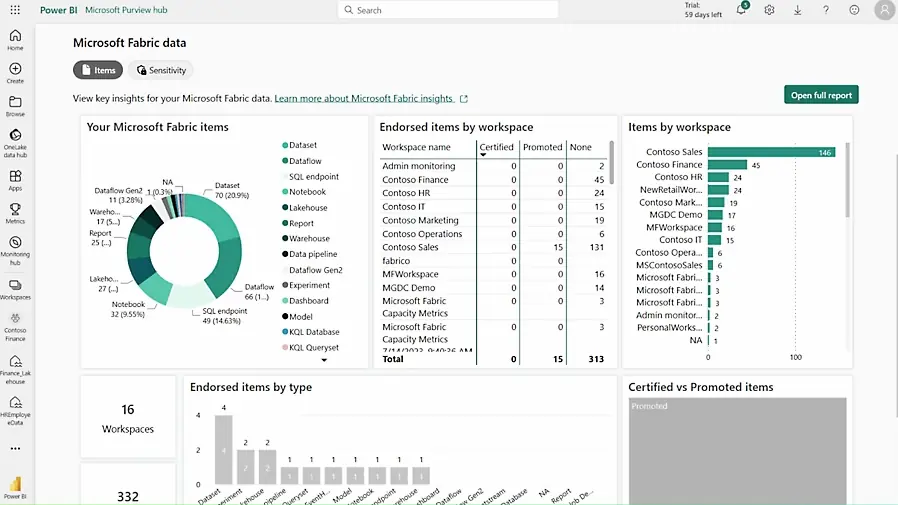
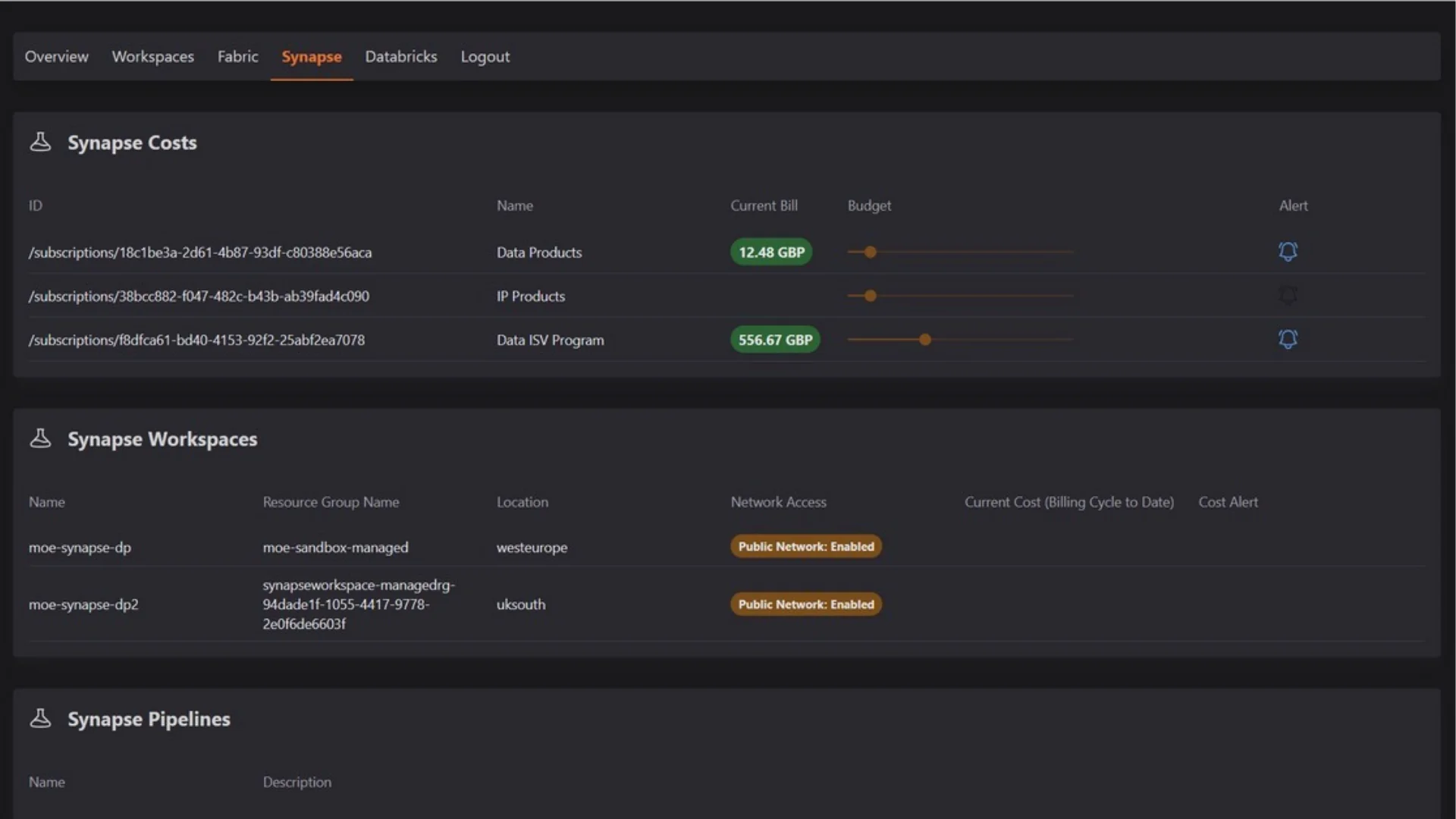
All-in-one data governance, cost efficiency, and automated backup
| Environment | Standalone Fabric Cost | Fabric cost with Xscale |
|---|---|---|
| Development Environment | £967.30 | £287.88 (-70.24%) |
| Test Environment | £1934.61 | £575.78 (-70.24%) |
| Production Environment | £7738.45 | £2303.11 (-70.24%) |
Fabric's end-to-end cloud solution has empowered us to easily understand and act on high-volume, high granularity events in real-time with fewer resources.
Jimmy Grewal, Managing Director, Elcome
 Read the blog
Set up your free 30-day Xscale trial
Start optimising Microsoft Fabric costs and automating Power BI backups today.
Enjoy 30 days of Growth Tier access, then switch to the Free Tier. No credit card required.
Frequently Asked Questions
Can I integrate Xscale with my existing Microsoft Fabric setup?
How secure is my data with Xscale?
Xscale does not store any data that resides within your Fabric instance. It only stores information about the cases, such as the tenant ID, subscription ID, resource group name, etc.
How does Xscale help reduce Microsoft Fabric costs?
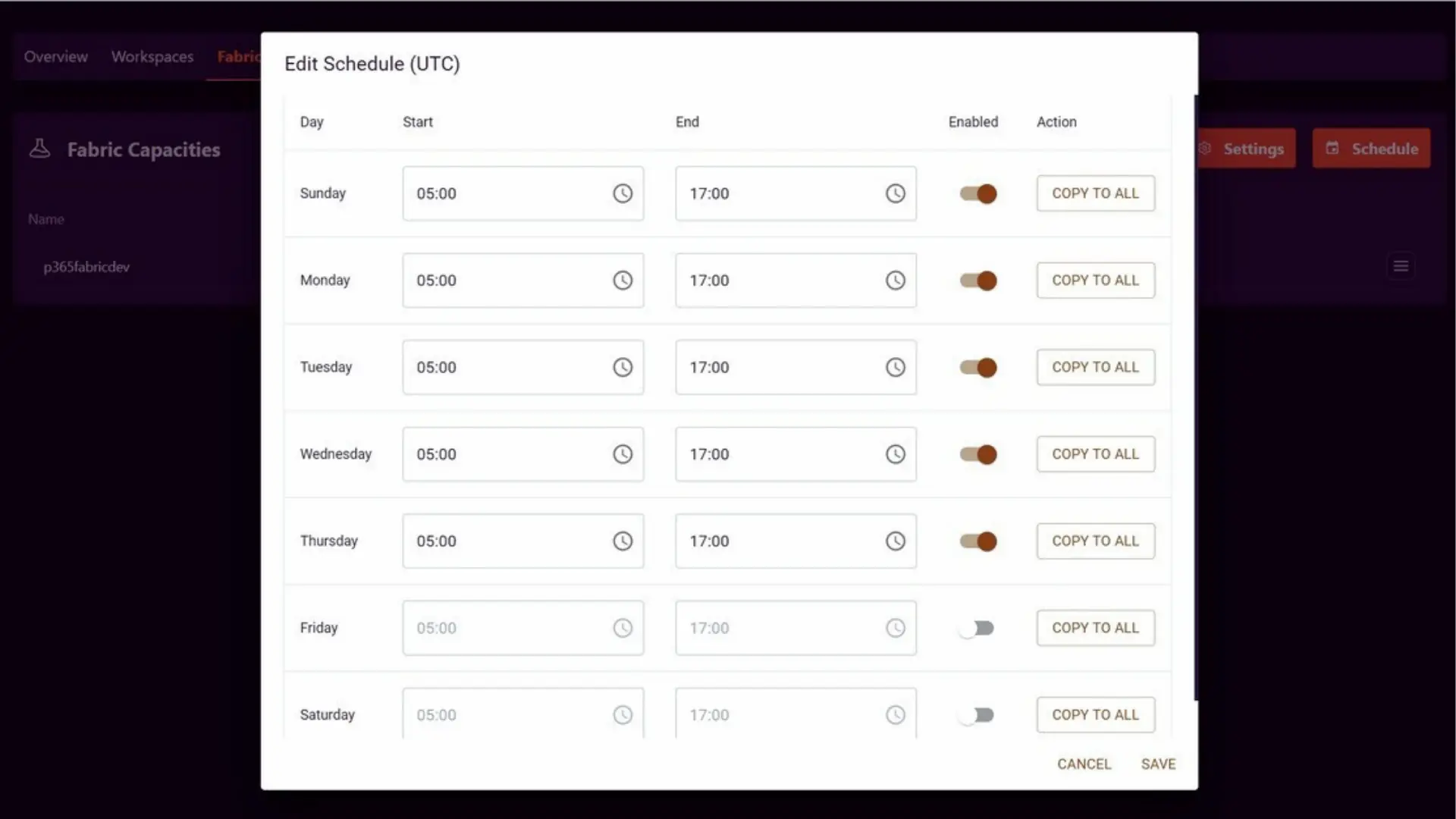
Xscale can help reduce costs by allowing you to schedule your Fabric instances. Since Fabric instances incur charges based on the time they are active, the ability to plan when they are turned on or off can lead to significant savings.
Recent Blog Posts
What's new and notable
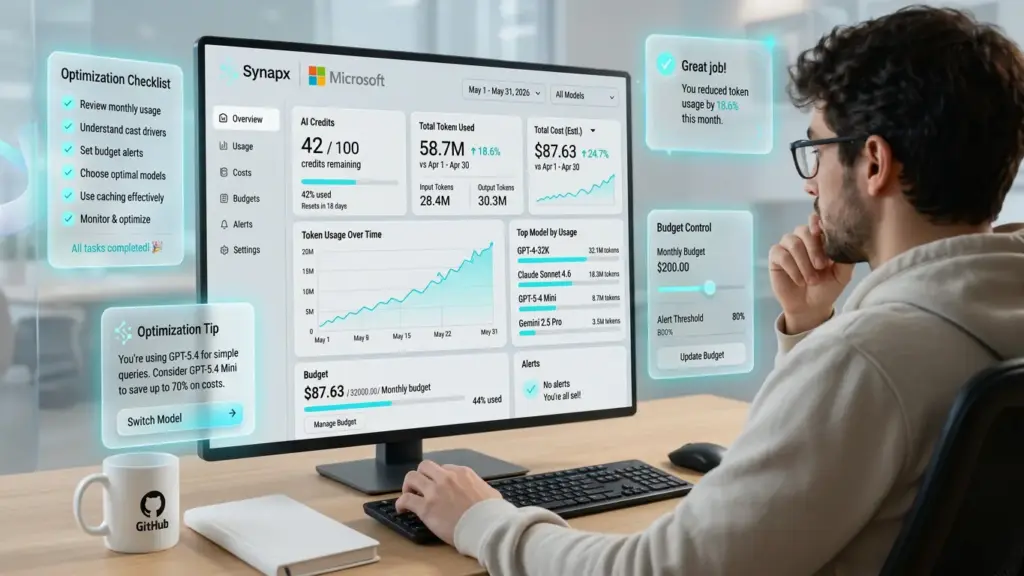
GitHub Copilot Usage‑Based Billing: A Guide for CTOs & CFOs
Power BI vs Excel: Which Should You Choose?
How to Fix Slow and Complex Data Extraction