Power BI is a game-changing business intelligence (BI) tool that empowers organisations to turn raw data into actionable insights. Whether you’re a small business looking to streamline your analytics or a large enterprise ready to scale your reporting capabilities, Power BI offers solutions tailored to diverse business needs. Microsoft provides three main versions – Power BI Desktop, Power BI Pro, and Power BI Premium and understanding the differences between them is crucial to selecting the right tool for your unique requirements.
Power BI is part of Microsoft Fabric – a unified data platform that brings together data engineering, data science, and business intelligence under one ecosystem. This integration means Power BI users can now access data from a single, secure lakehouse (OneLake), making insights faster, more scalable, and easier to govern.
With Microsoft Copilot built into Power BI, users can now generate reports and visualisations using conversational language, lowering the barrier to data analysis even further.
If you’re considering Power BI for your organisation, let’s break down the options and help you find the version that will drive the most value for your team.
What Is Power BI?
Power BI is Microsoft’s robust BI and data visualisation platform, designed to help organisations make data-driven decisions with ease. Through powerful features like data visualisation, report generation, and advanced analytics, Power BI enables businesses to analyse trends, track KPIs, and make smarter, data-backed decisions.
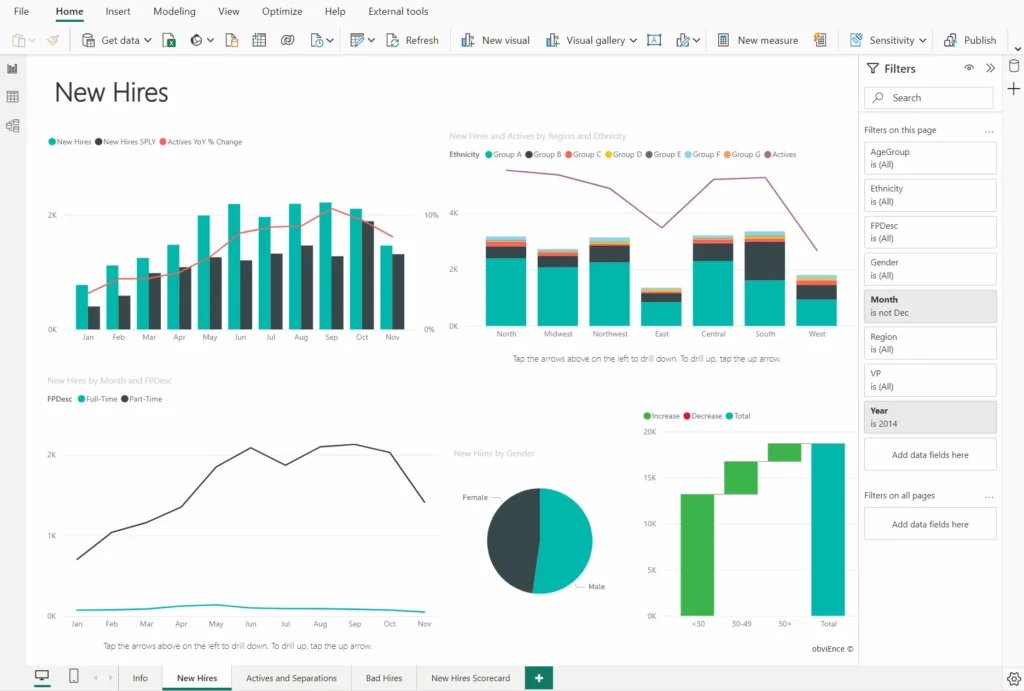
There are three main versions available, each offering unique features. See the breakdown of each below. If you’re looking for more information on what Power BI is, check out our blog.
Power BI Desktop
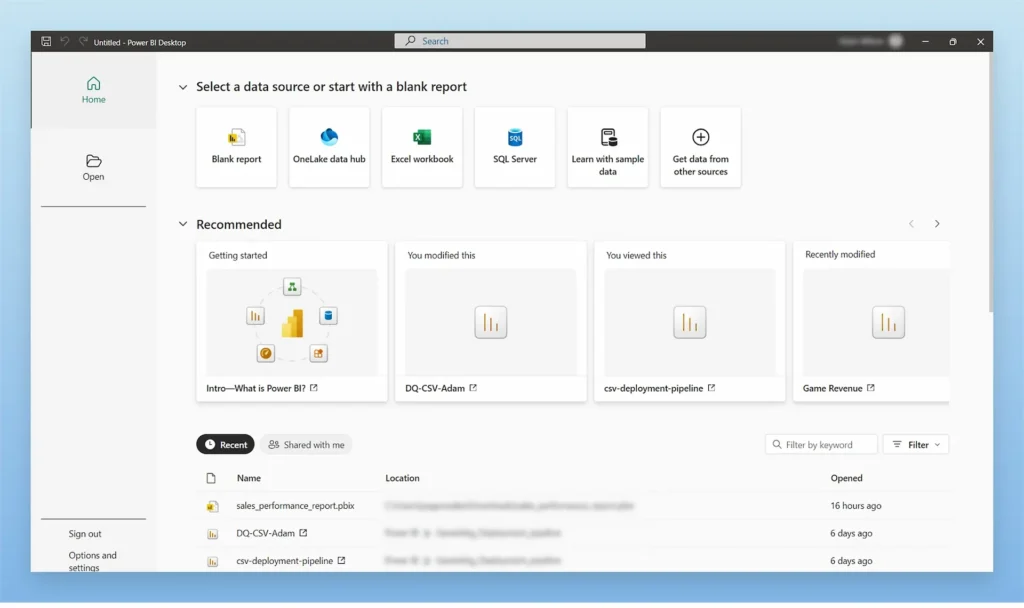
Power BI Desktop is the free version of Power BI and serves as a foundational BI tool that enables users to connect to data sources, transform data, and build insightful reports. This version is intended for individual users who want to create reports and visualisations without sharing capabilities
Key Features
- Data Connection: Access over 70 data connectors, including Excel, SQL Server, and cloud-based sources.
- Data Transformation: Power Query for cleaning and preparing data.
- Visualization: Create interactive reports with a variety of visualisation options.
- Local Storage: All data is stored locally, allowing for full control over your data.
- Copilot in Desktop: Use AI-assisted insights and natural language queries to clean, analyse, and visualise data faster.
- Fabric Integration: Seamless connection to Microsoft Fabric’s OneLake for centralised data access and sharing.
Cost
Free, making it an ideal entry point for users new to Power BI or data analysis in general.
Limitations
- Sharing Restrictions: Lacks the ability to publish and share reports online.
- Collaboration: No access to real-time collaboration features found in other versions.
Who Is It For?
Power BI Desktop is perfect for individual users or small teams that need a basic BI tool for internal use. It’s a great option for businesses that are just starting out with data analysis or for departments looking to create insights on a smaller scale.
Power BI Pro
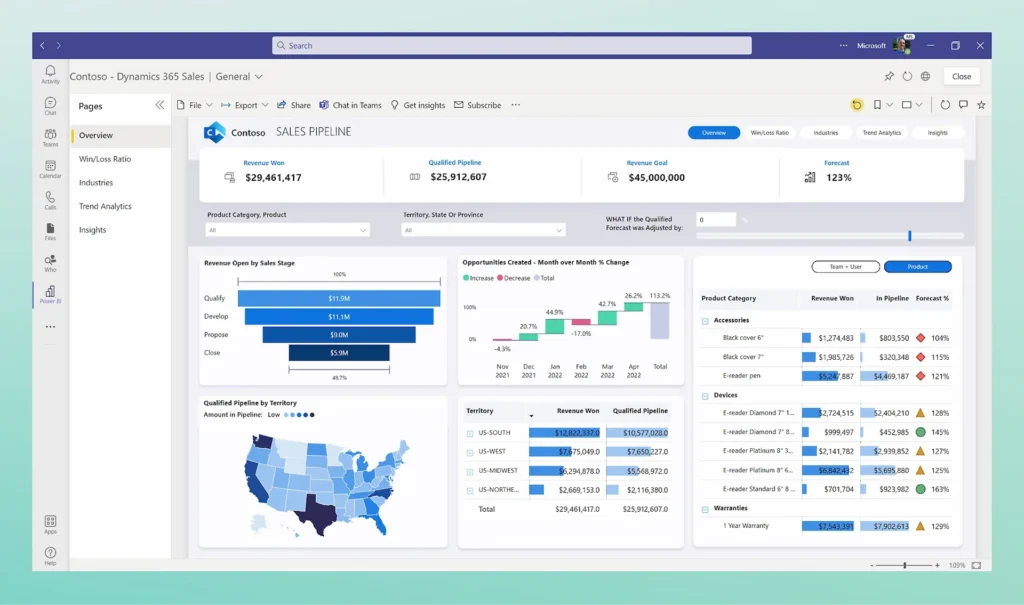
Power BI Pro takes the functionalities of Desktop and extends them with sharing and collaboration capabilities. This version is designed for organisations where multiple users need to collaborate on BI reports, share insights, and have access to real-time data updates.
Power BI Pro licences are now part of the broader Microsoft Fabric ecosystem, allowing users to collaborate, publish, and share content within Fabric workspaces and Microsoft Teams.
Key Features
- Data Collaboration: Users can publish reports and dashboards to the Power BI Service and share them with other Pro users.
- App Workspaces: Teams can work together in dedicated spaces to organize and share content.
- Ad Hoc Analysis: Users can create and distribute ad hoc analysis and data visualisations on demand.
- Security: Data is secured within the Power BI Service, offering compliance and control over data access.
- Fabric Workspaces: Share and manage reports directly in Fabric with unified permissions and governance.
- Copilot Collaboration: Leverage AI to summarise dashboards, explain data trends, and suggest visuals during report review.
Cost
Power BI Pro is still per-user, but now primarily designed for collaboration and light deployment scenarios. Users accessing content in Fabric environments that exceed Pro capacity require a Premium (or Fabric capacity-based) licence.
Limitations
- Capacity Limit: Limited to individual users without the enhanced storage and processing power of Premium.
- Scaling: While excellent for teams, larger organisations may find Power BI Premium a better option for greater scalability.
Who Is It For?
Ideal for small to mid-sized businesses or departments within larger organisations that require collaboration and sharing capabilities but do not need extensive scalability or large datasets.
Power BI Premium
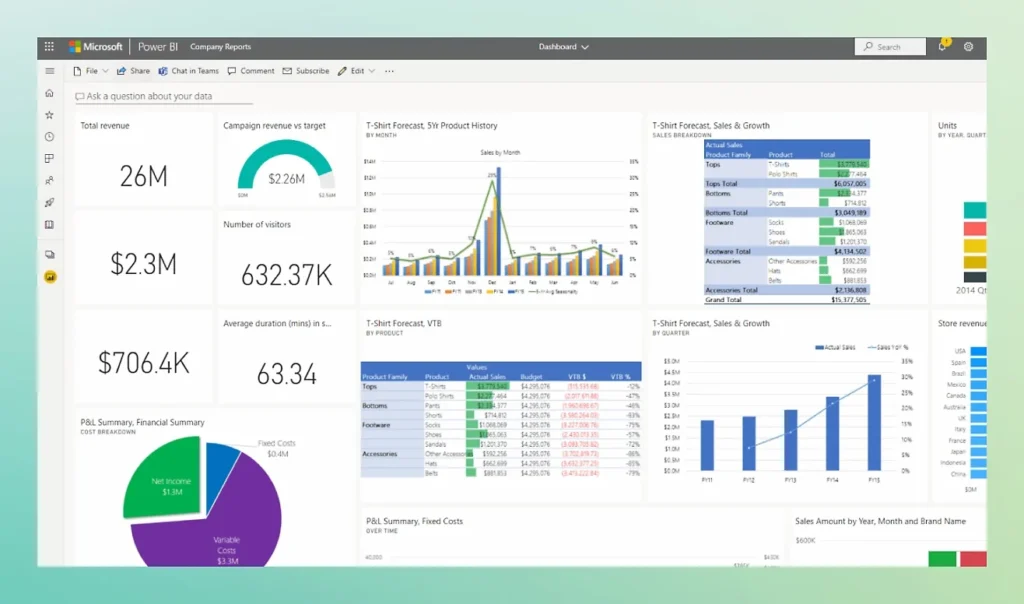
Power BI Premium capacity within Microsoft Fabric, offering unified compute and storage. This version unlocks higher data storage limits, advanced AI-powered analytics, and improved performance with dedicated cloud resources. Power BI Premium is also ideal for embedding BI into other applications and offers more robust management for enterprise deployments.
Key Features
- Increased Capacity: Supports larger data models and storage capacity for big data analytics.
- AI-Powered Analytics: Access advanced AI features like AutoML, cognitive services, and dataflows for more comprehensive insights.
- On-Premises Reporting: Power BI Report Server allows for the creation and distribution of reports within an on-premises environment.
- Paginated Reports: Create pixel-perfect, print-ready reports with SQL Server Reporting Services integration.
- Dedicated Cloud Resources: Provides improved performance by using dedicated resources for data processing.
- Microsoft Fabric Integration: Premium capacities are now part of Fabric’s unified data platform, offering shared compute and storage through OneLake.
- Copilot for BI: Use natural language prompts to generate DAX calculations, visuals, and insights automatically.
- Advanced Governance: Fabric provides centralised data lineage tracking and compliance monitoring across Power BI, Synapse, and Data Factory workloads.
- Direct Lake Mode: Access large datasets instantly without import, improving performance and simplifying refresh cycles.
Cost
Power BI Premium Per User (PPU) remains available for advanced features at a lower entry cost than full capacity.
Limitations
Higher Cost: Premium’s pricing is generally higher and may be an overinvestment for smaller organisations.
Who Is It For?
Best suited for large enterprises, businesses needing to work with vast datasets, or those requiring integration with on-premises data systems. If scalability, performance, and enterprise-grade features are a priority, Power BI Premium is the ideal choice.
Power BI in the Microsoft Fabric Era
Since 2023, Power BI has become a core component of Microsoft Fabric, a unified, SaaS-based data platform that brings analytics, engineering, and governance together. Fabric’s OneLake ensures that data across Power BI, Synapse, and Data Factory remains connected, secure, and optimised.
Copilot in Power BI now enables users to create visualisations, write DAX formulas, and interpret trends using plain language, further democratising data-driven decision-making across organisations.
Which Power BI Version Is Right for You?
Choosing the right Power BI version depends on your organisation’s size, collaboration needs, and data demands. Power BI Desktop offers a cost-free way to create reports on a small scale, while Power BI Pro is designed for collaborative work among teams. For enterprises requiring advanced analytics and scalability, Power BI Premium offers unmatched performance.
For organisations already adopting Microsoft Fabric, Power BI Pro and Premium integrate natively with the unified platform, offering consistent governance and AI-assisted insights through Copilot.
Smaller organisations or departments can start with Power BI Desktop and later scale to Fabric environments with Pro or Premium as data needs grow.
Need help making the right choice?
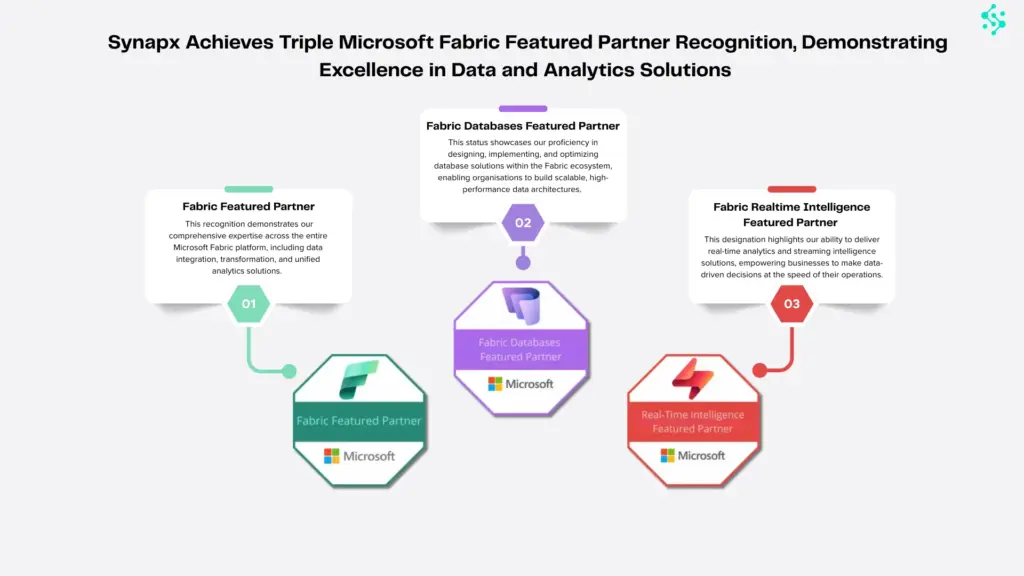
As a certified Microsoft cloud partner, Synapx helps organisations leverage Power BI within the Microsoft Fabric ecosystem, integrating Copilot, AI, and scalable data governance. Whether you’re starting small with Power BI Desktop or scaling enterprise-wide with Premium, we ensure your analytics strategy is secure, efficient, and future-ready. Get in touch with us today!